







fair enough.
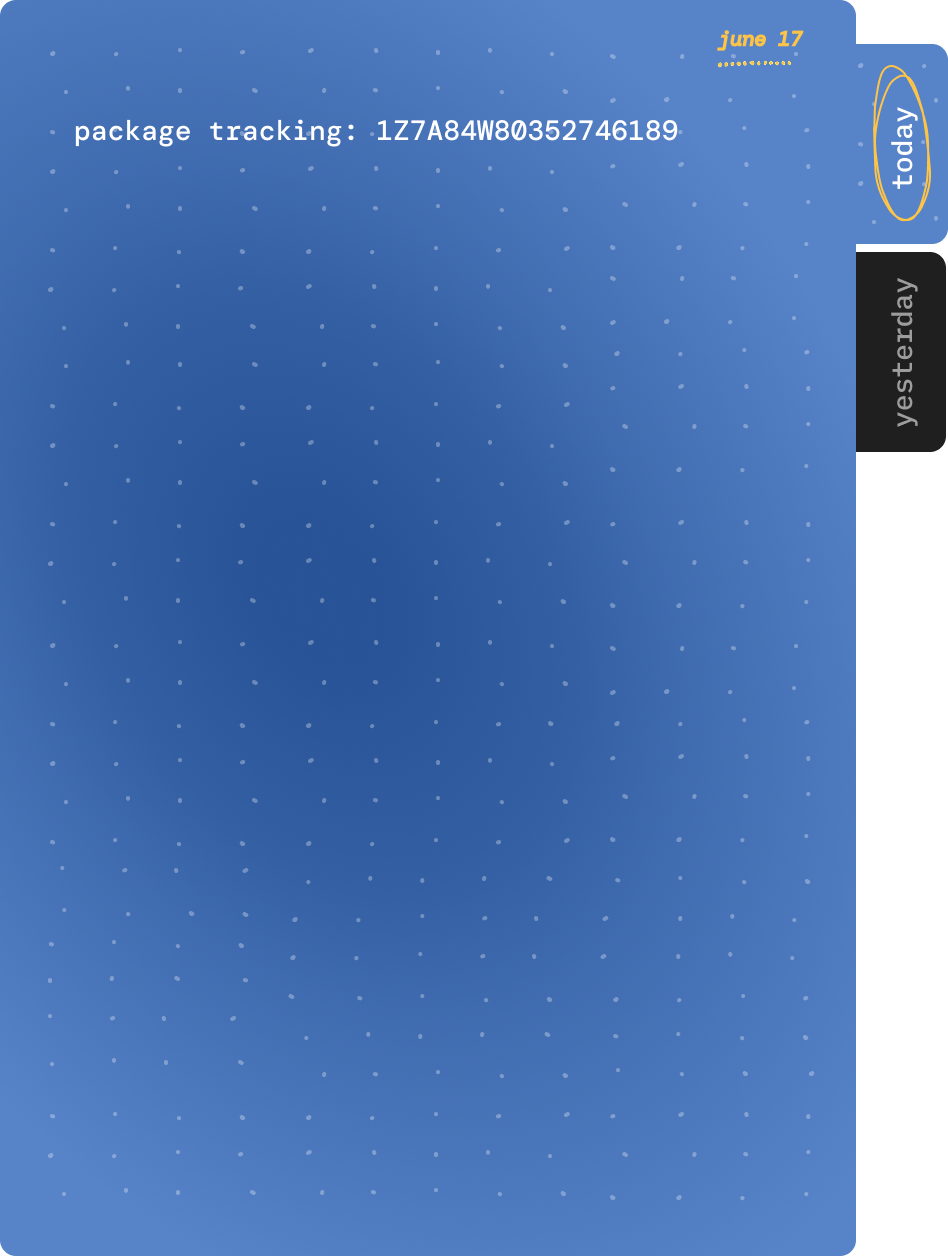
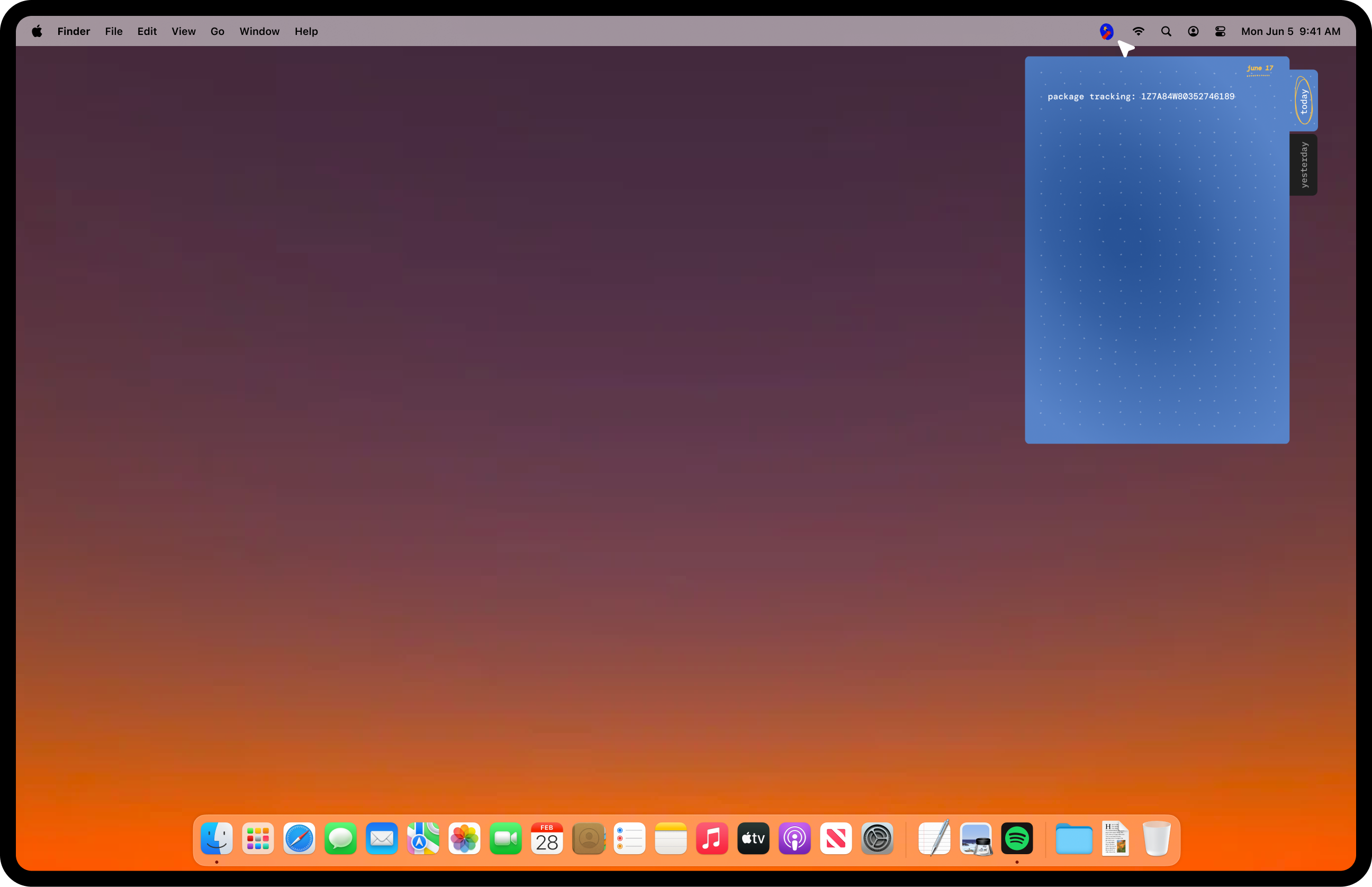
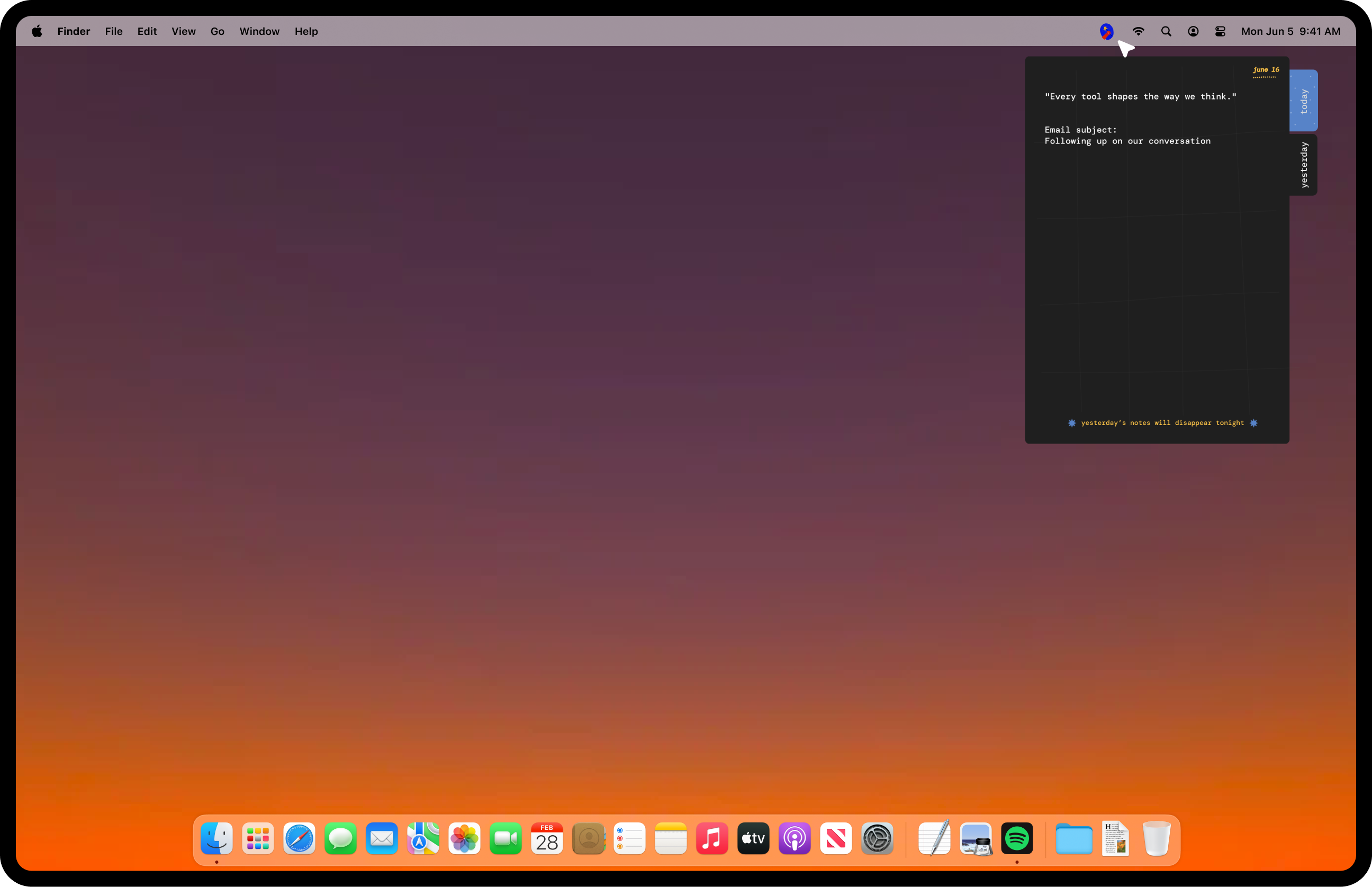
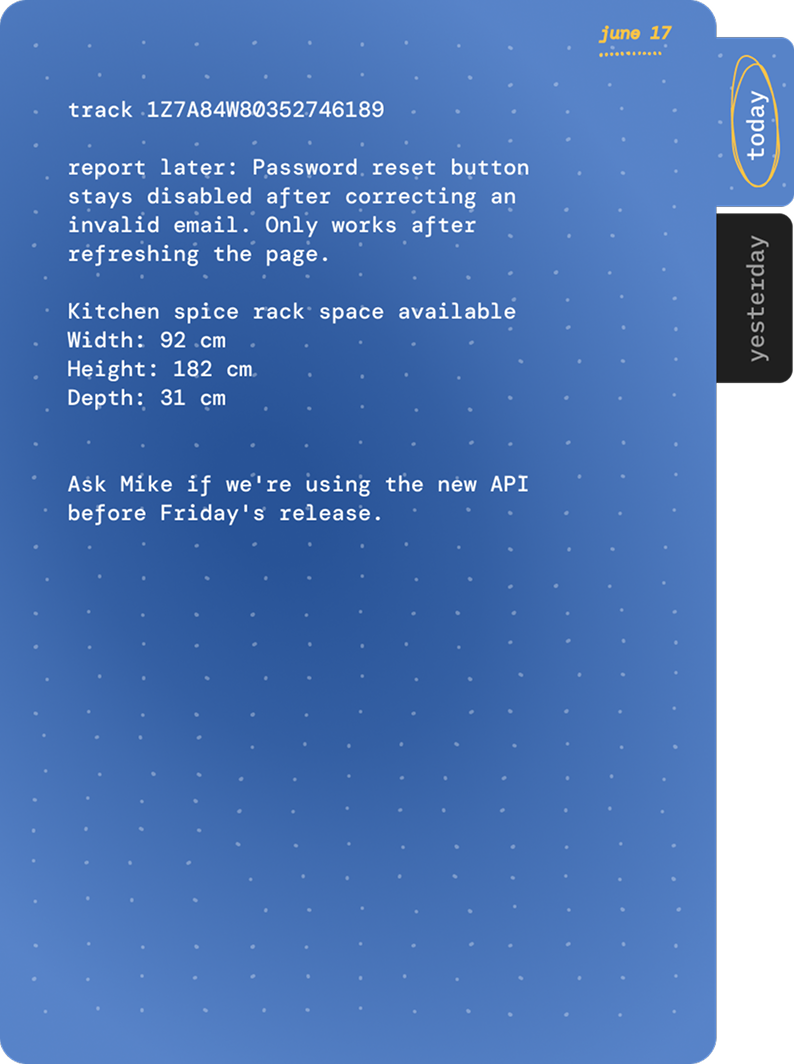
hold that is a temporary notes app for your mac. it lives in your menu bar and opens as a small drawer on the right side of your screen.
you can use it to:
- write a quick note
- make a checklist
- paste text or links from anywhere
- copy everything back out later
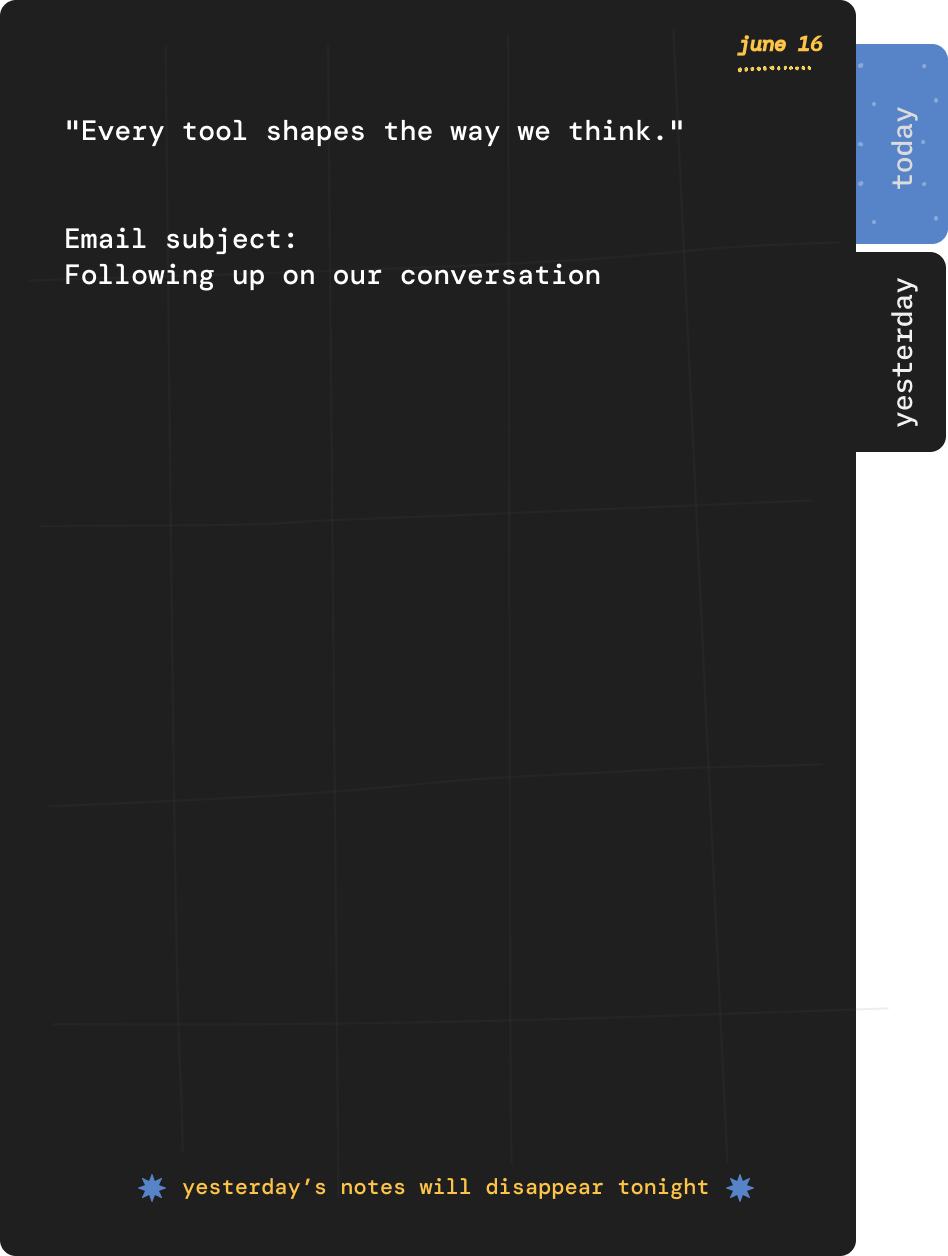
your notes live in one of two places: today or yesterday.
at midnight, everything in today moves to yesterday. anything that was already in yesterday is deleted.
today is where you write. yesterday is read-only. you can copy anything you want to keep, but you can't edit it. if it still matters, move it somewhere permanent.
some examples
- you're reading a substack article and collecting quotes to move into notion/obsidian/sublime later.
- you're filling out a form and need somewhere to hold an address while you copy it between fields.
- you're researching a trip and collecting a few links before deciding what's useful.
- you're on a call and need to write down a tracking number.
- you're in the middle of work and suddenly remember to book a dentist appointment.
it's just a small place to hold things until you're ready for them. nothing more.